Instructions
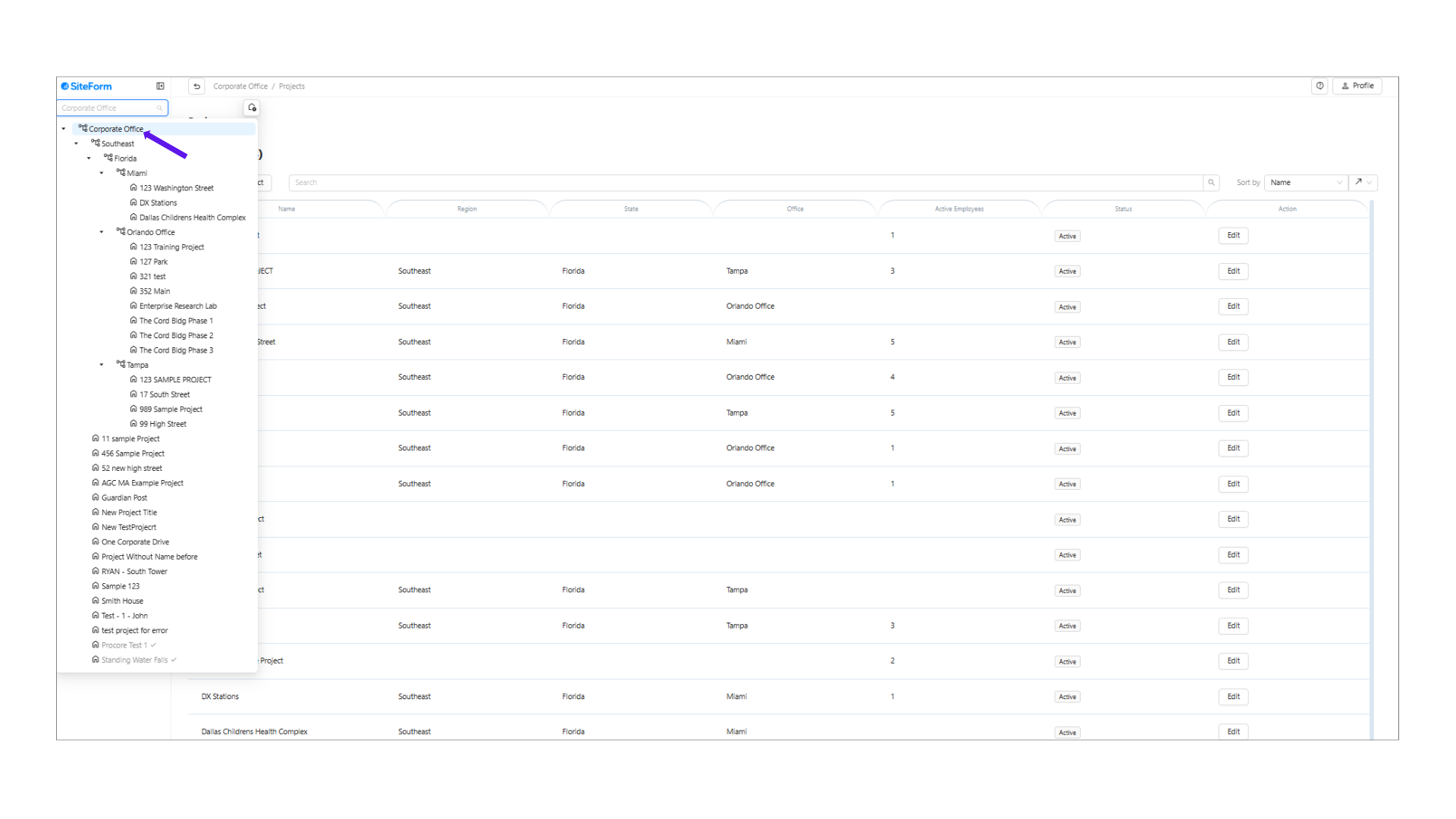
1. Select "Corporate Office"
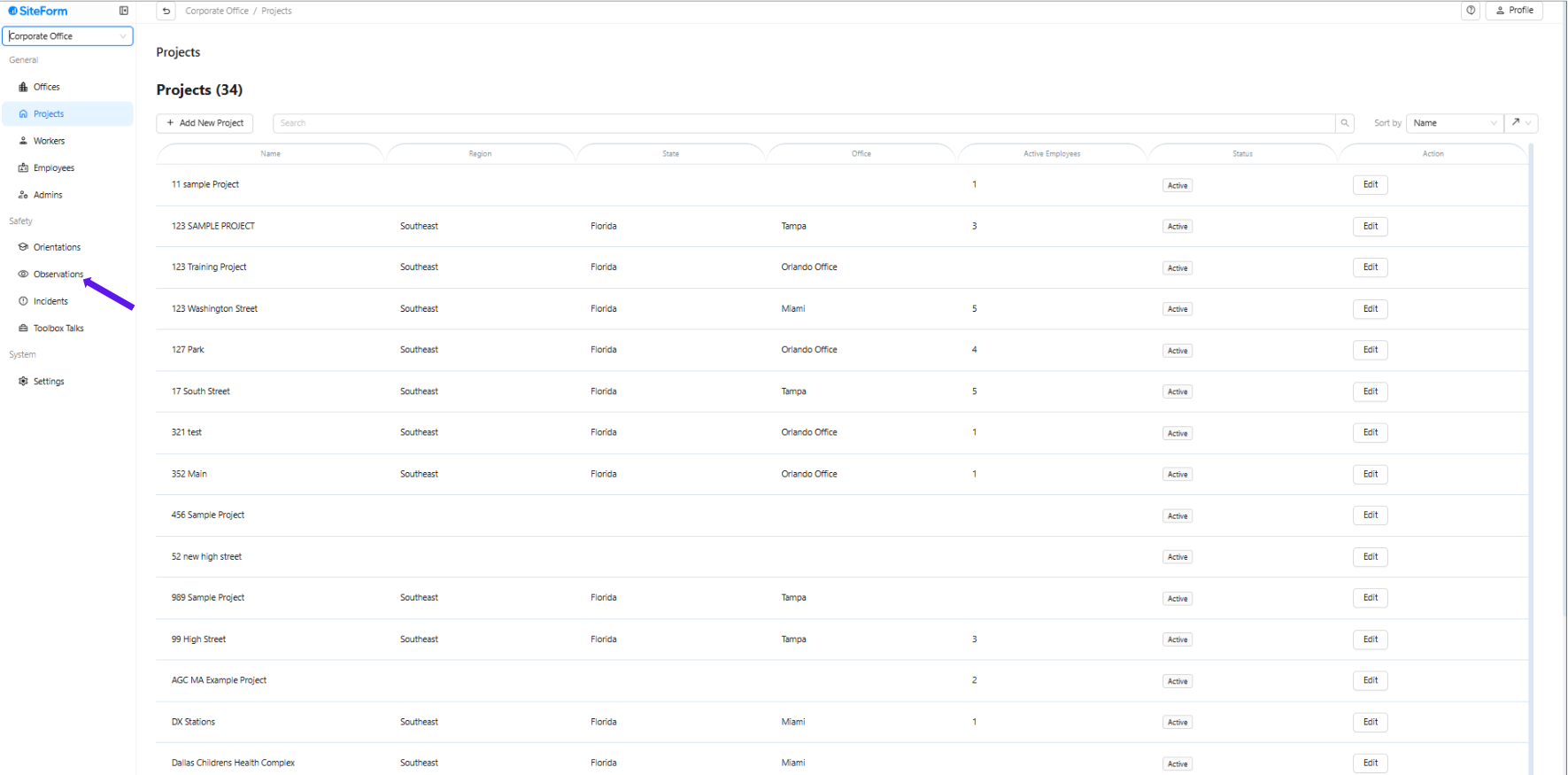
2. Click Observation in the left-hand corner.
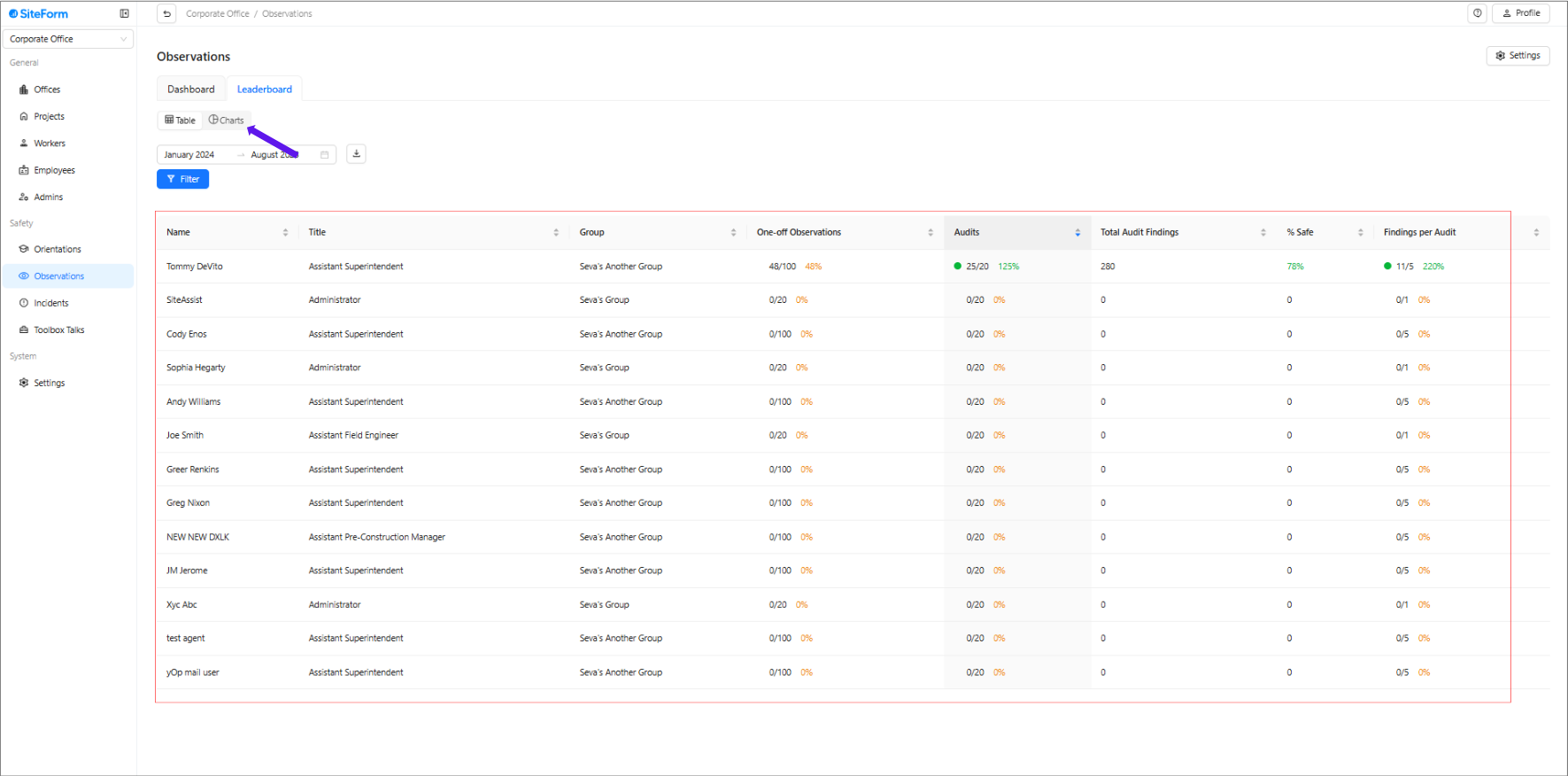
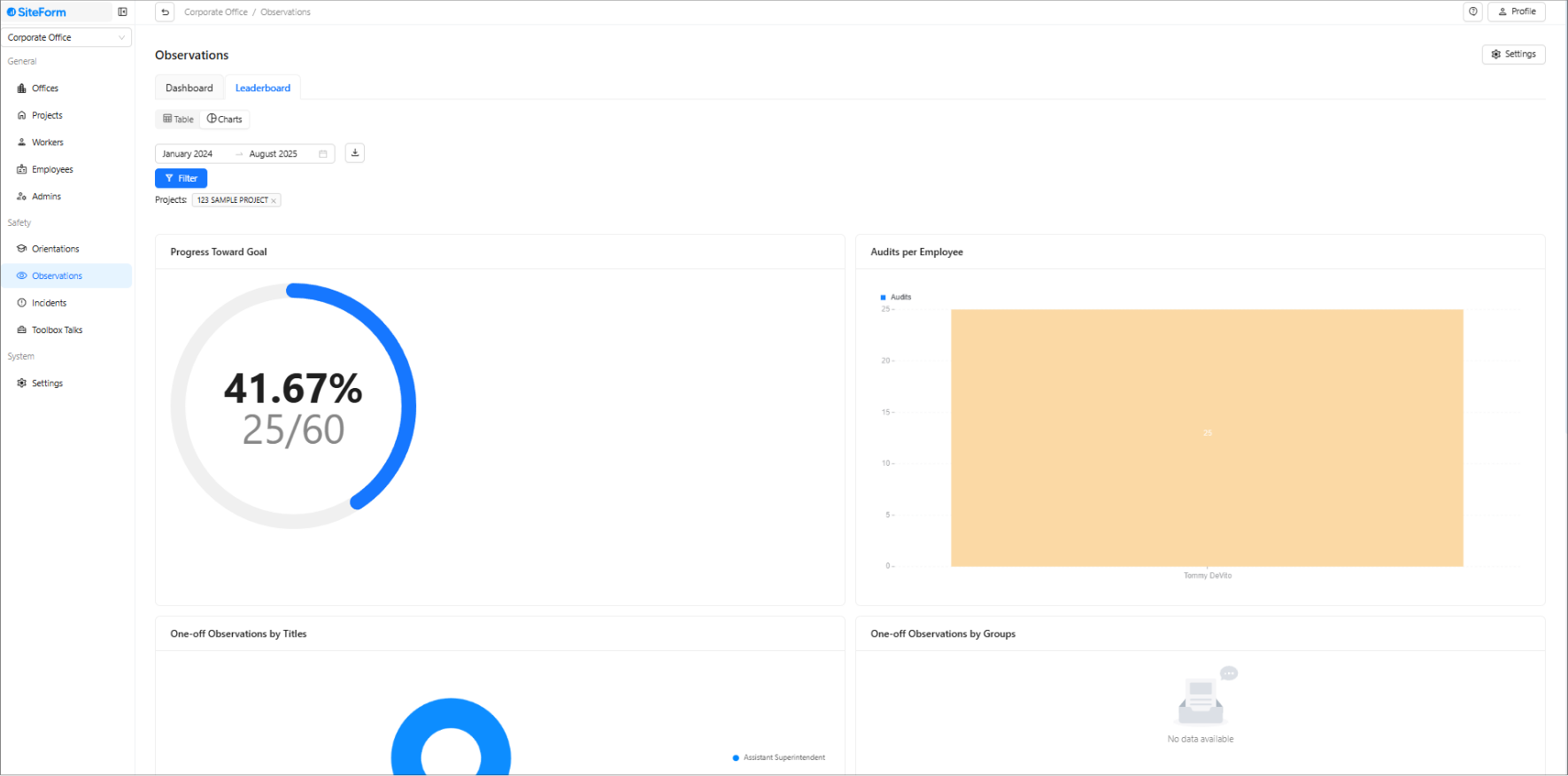
The leaderboard offers two distinct viewing options to help you better analyze and interpret the data:
1. Table View
2. Chart View
Was this article helpful?
That’s Great!
Thank you for your feedback
Sorry! We couldn't be helpful
Thank you for your feedback
Feedback sent
We appreciate your effort and will try to fix the article