How to Add Subcontractors
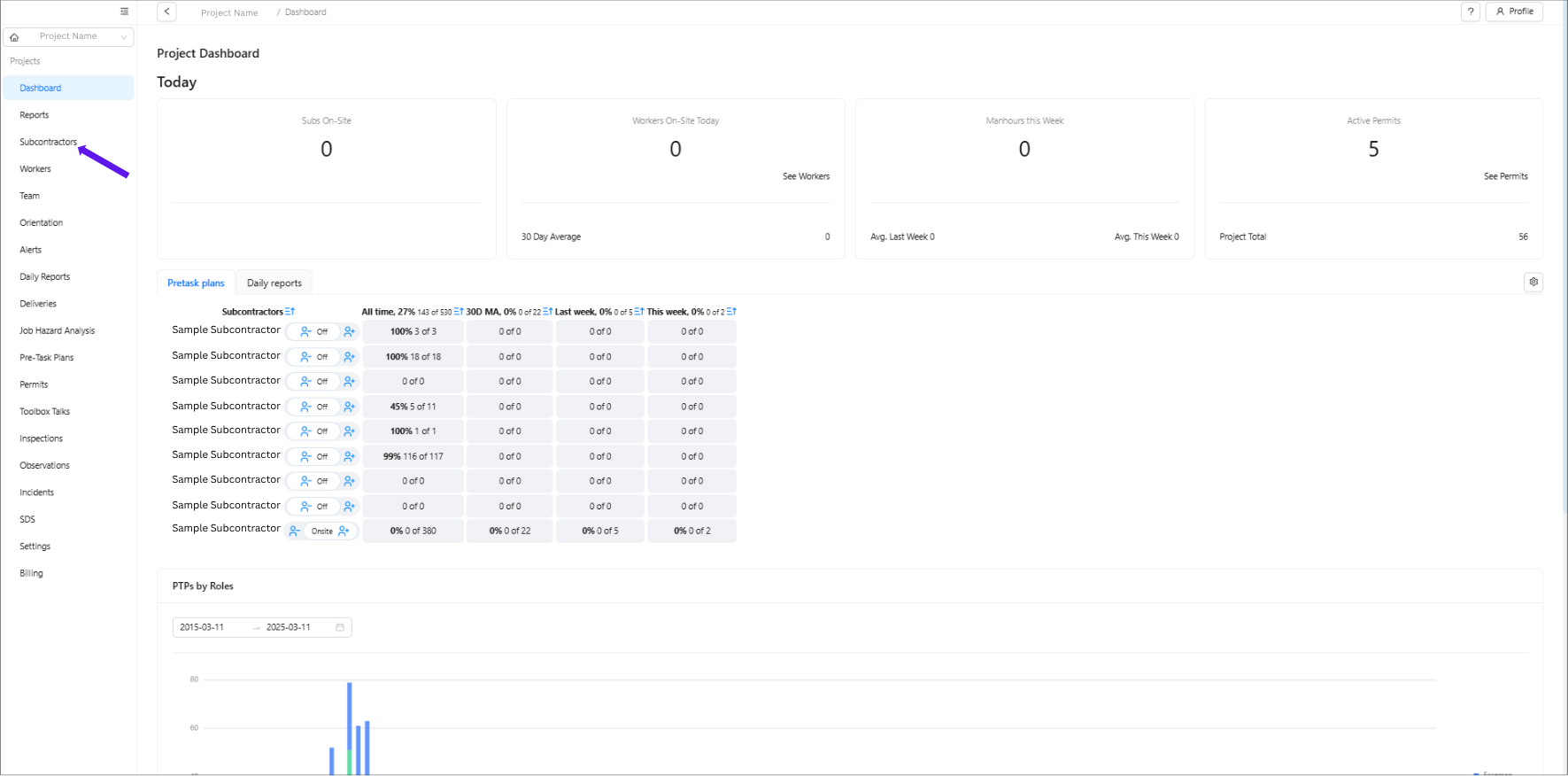
Click “Subcontractors” in the main menu.
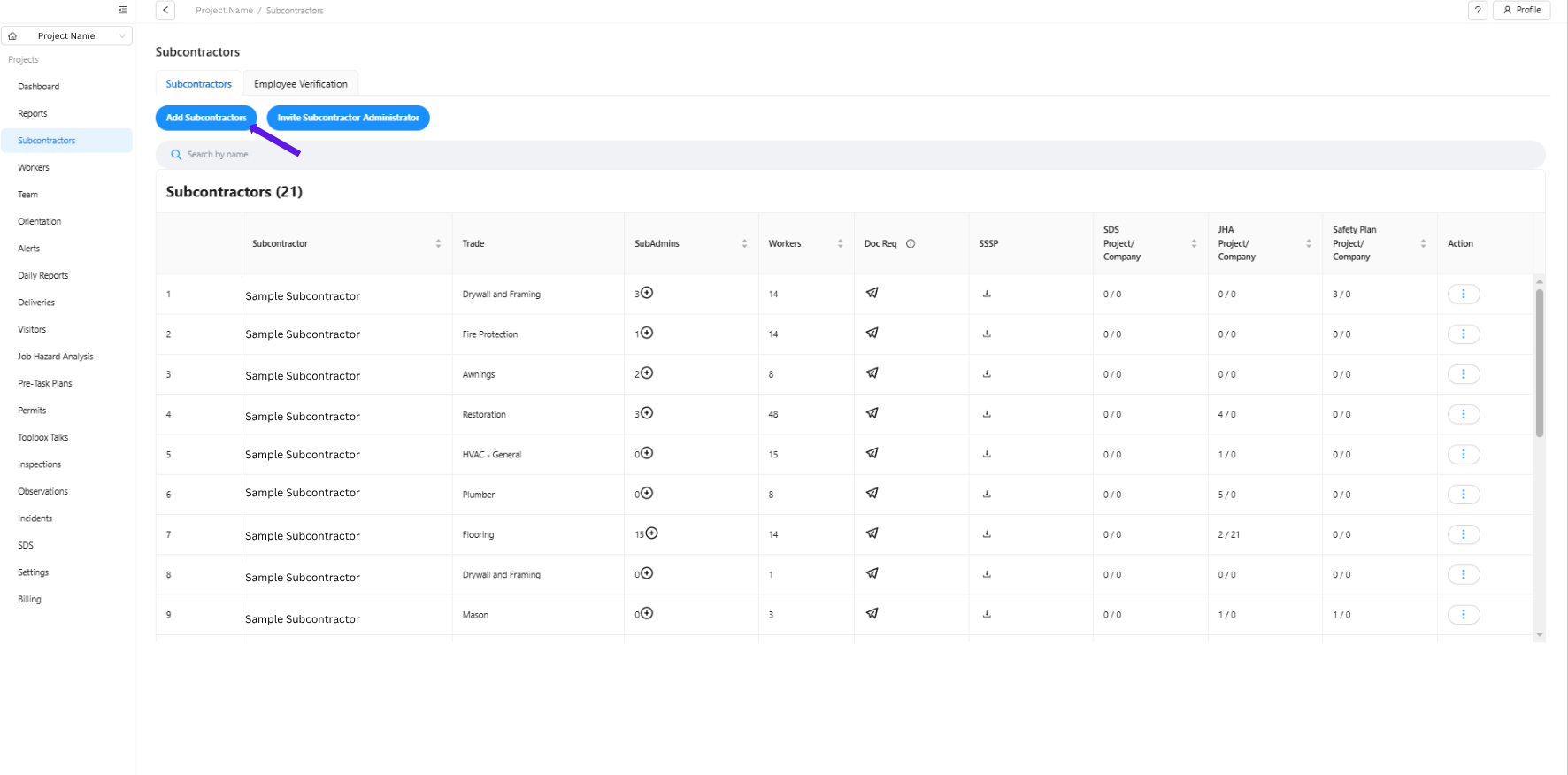
Select “Add Subcontractor.”
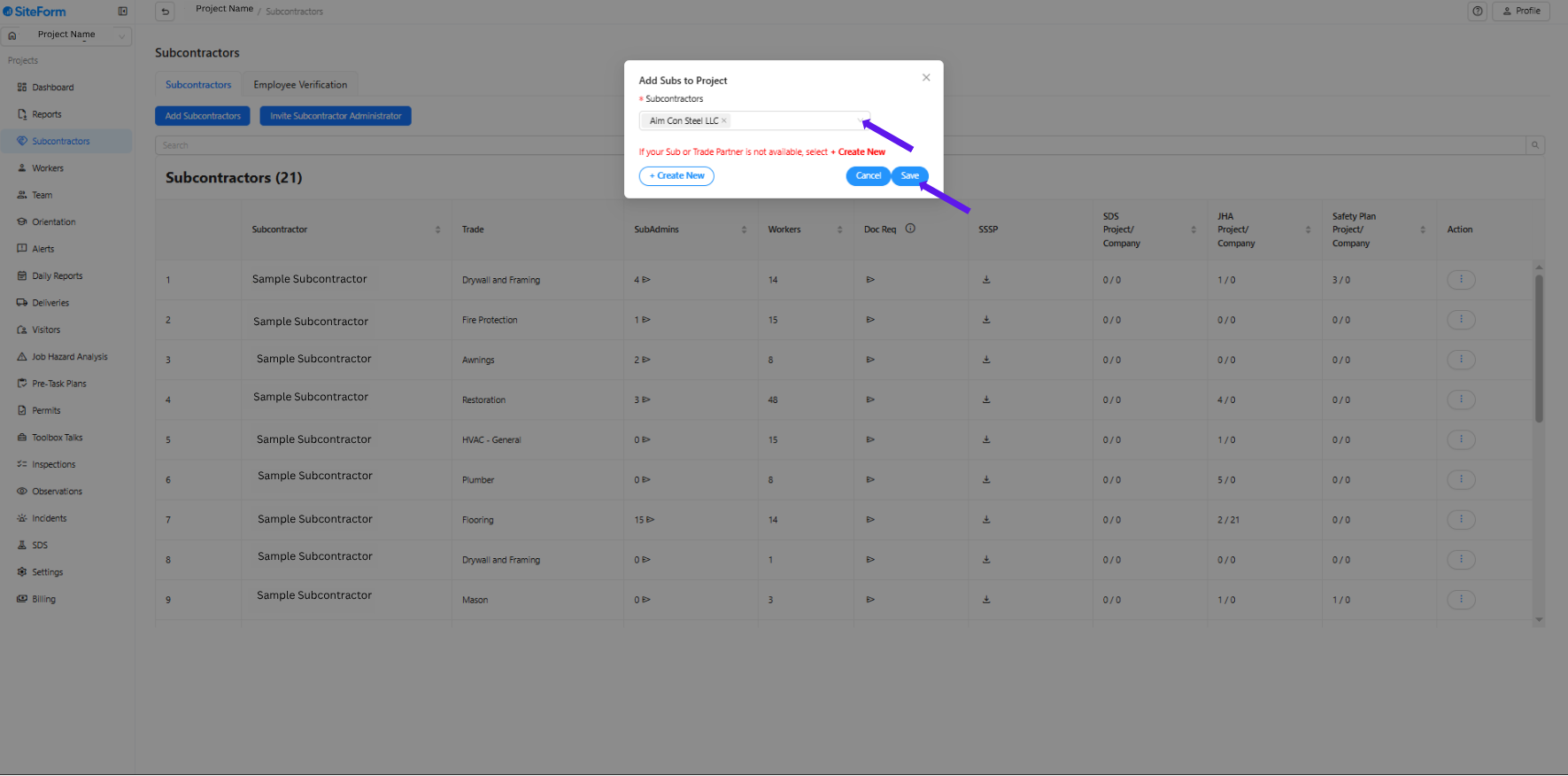
Check the existing list:
Click the Subcontractor dropdown to see all companies already in the system.
If the subcontractor you wish to add is listed, select the company name and click “Save.”
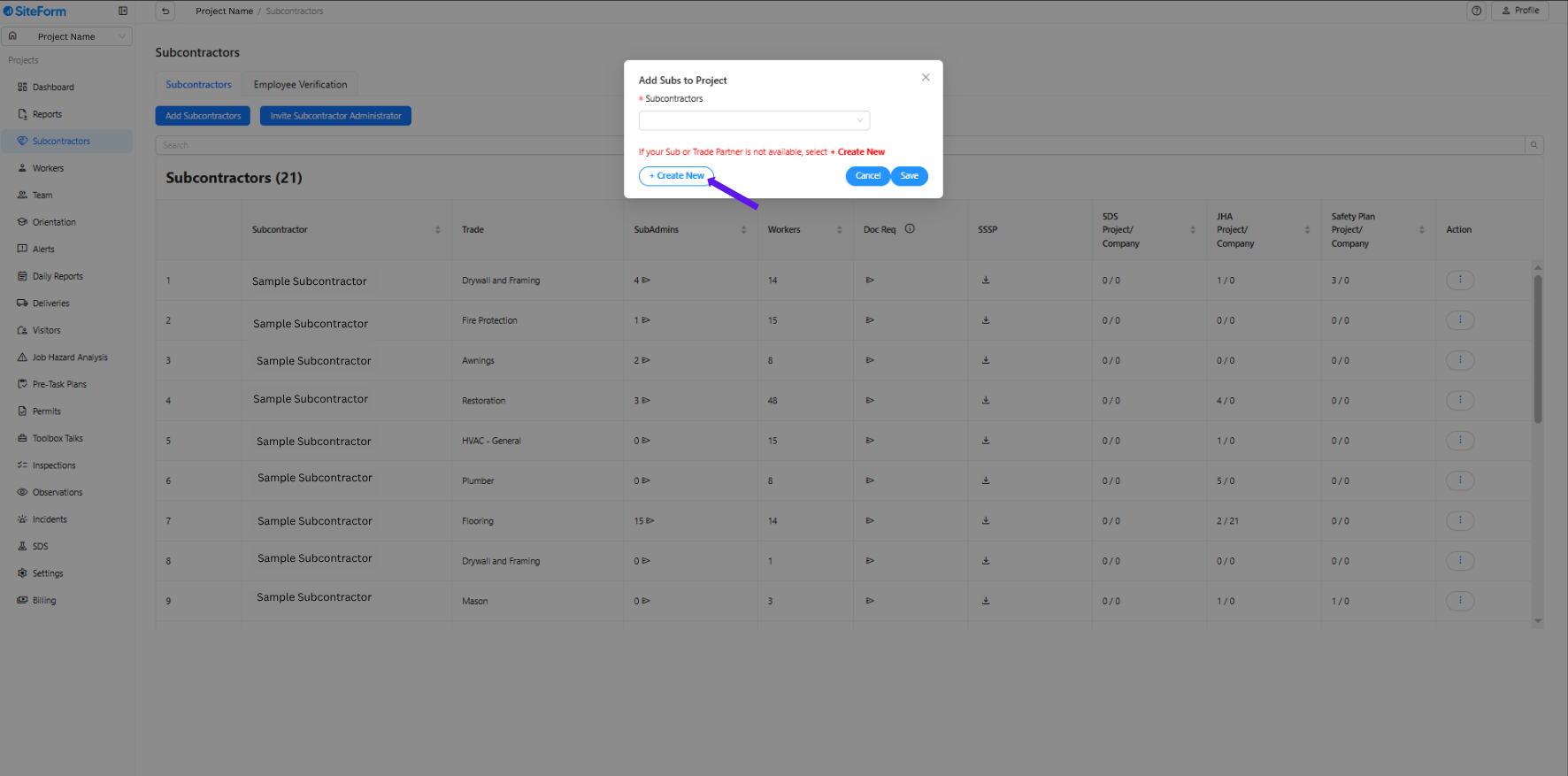
If the company is not listed:
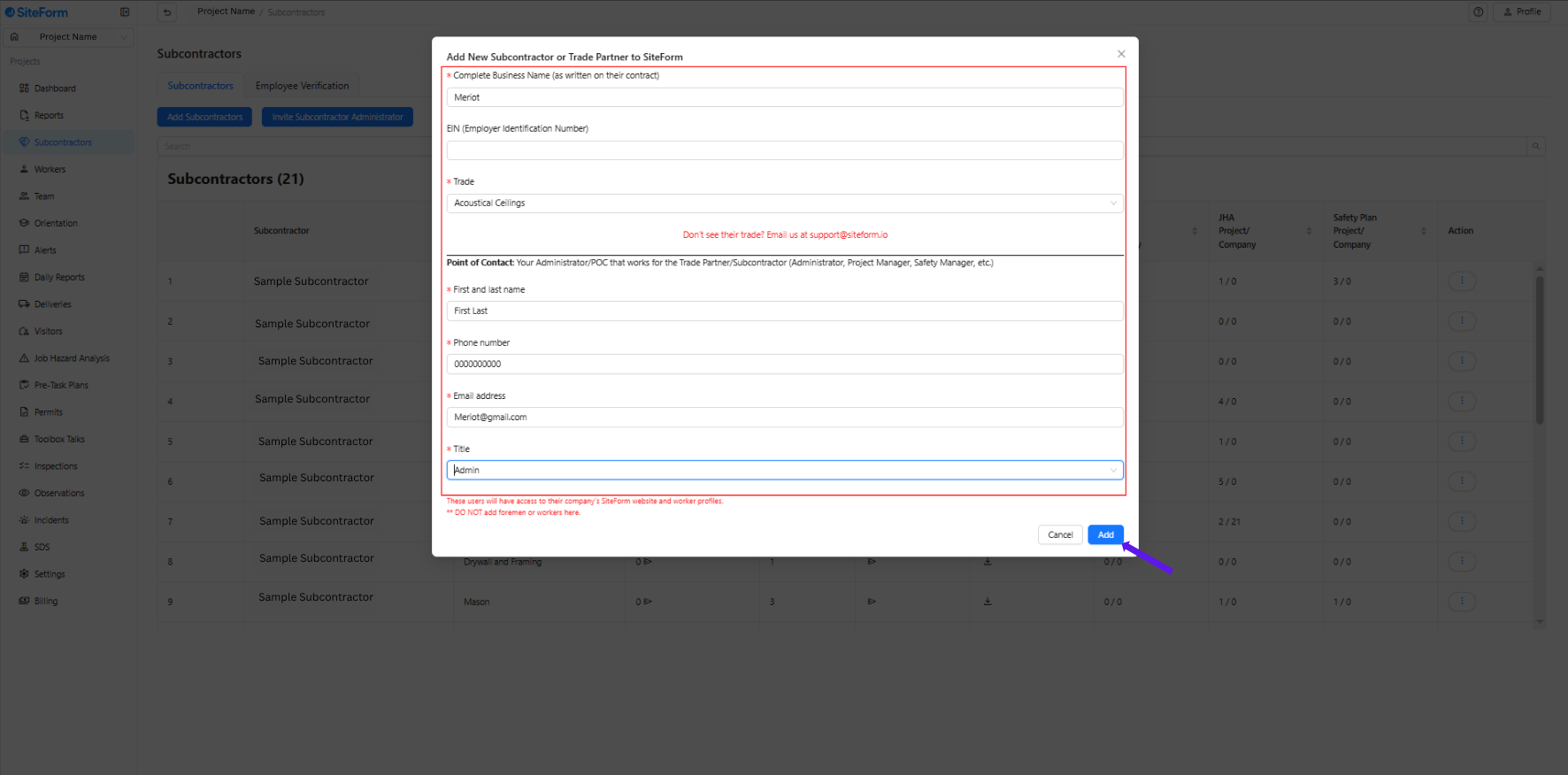
Click “+ Create New.”
Fill out all required fields (marked with *):
Complete Business Name
Trade
Point of Contact: First Name, Last Name, Phone Number, Email Address, and Title
Click “Add” to complete the process.
Was this article helpful?
That’s Great!
Thank you for your feedback
Sorry! We couldn't be helpful
Thank you for your feedback
Feedback sent
We appreciate your effort and will try to fix the article