How to Combine Duplicate Worker Profiles
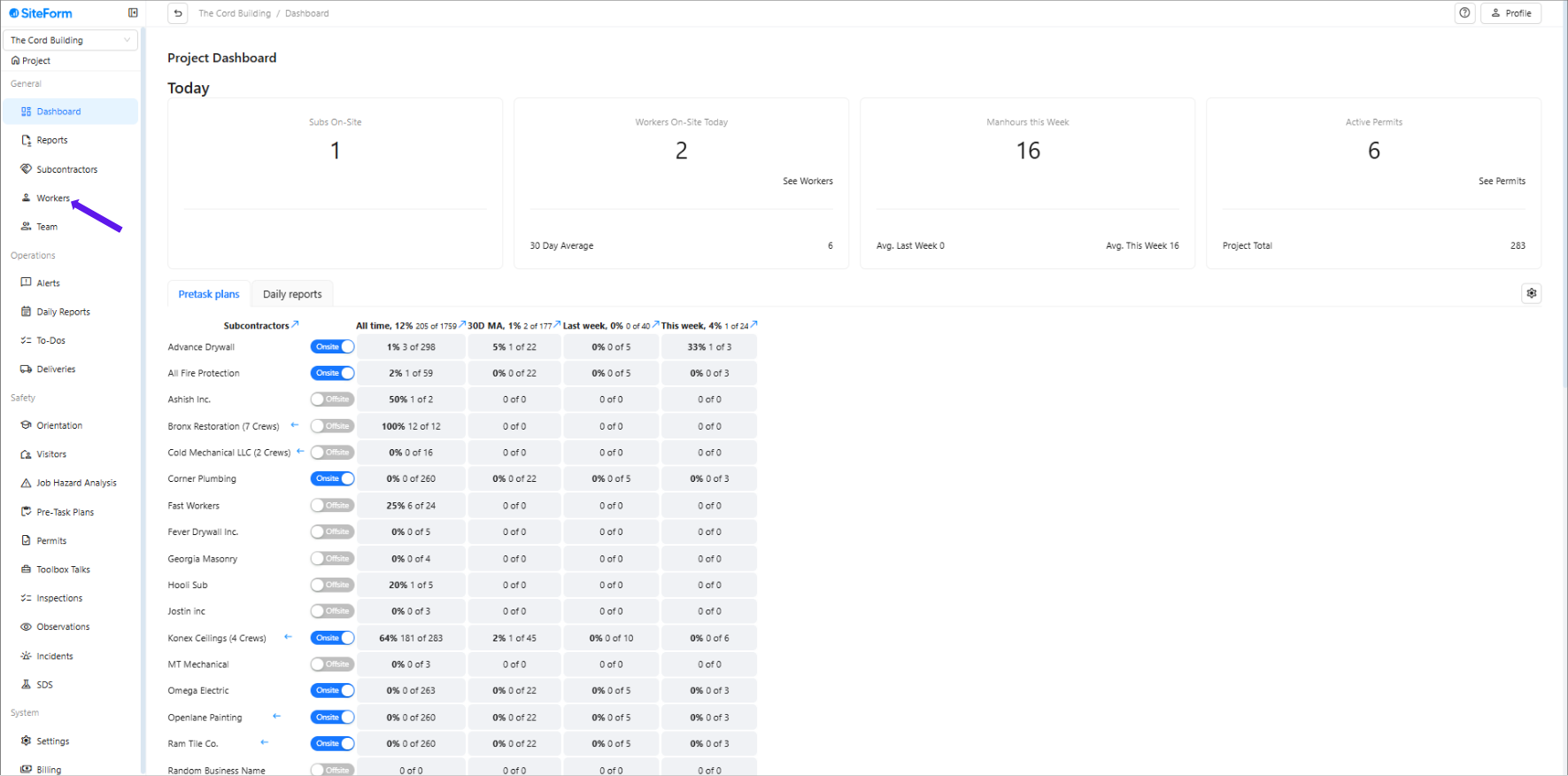
1. Navigate to the left-hand menu and click on Workers.
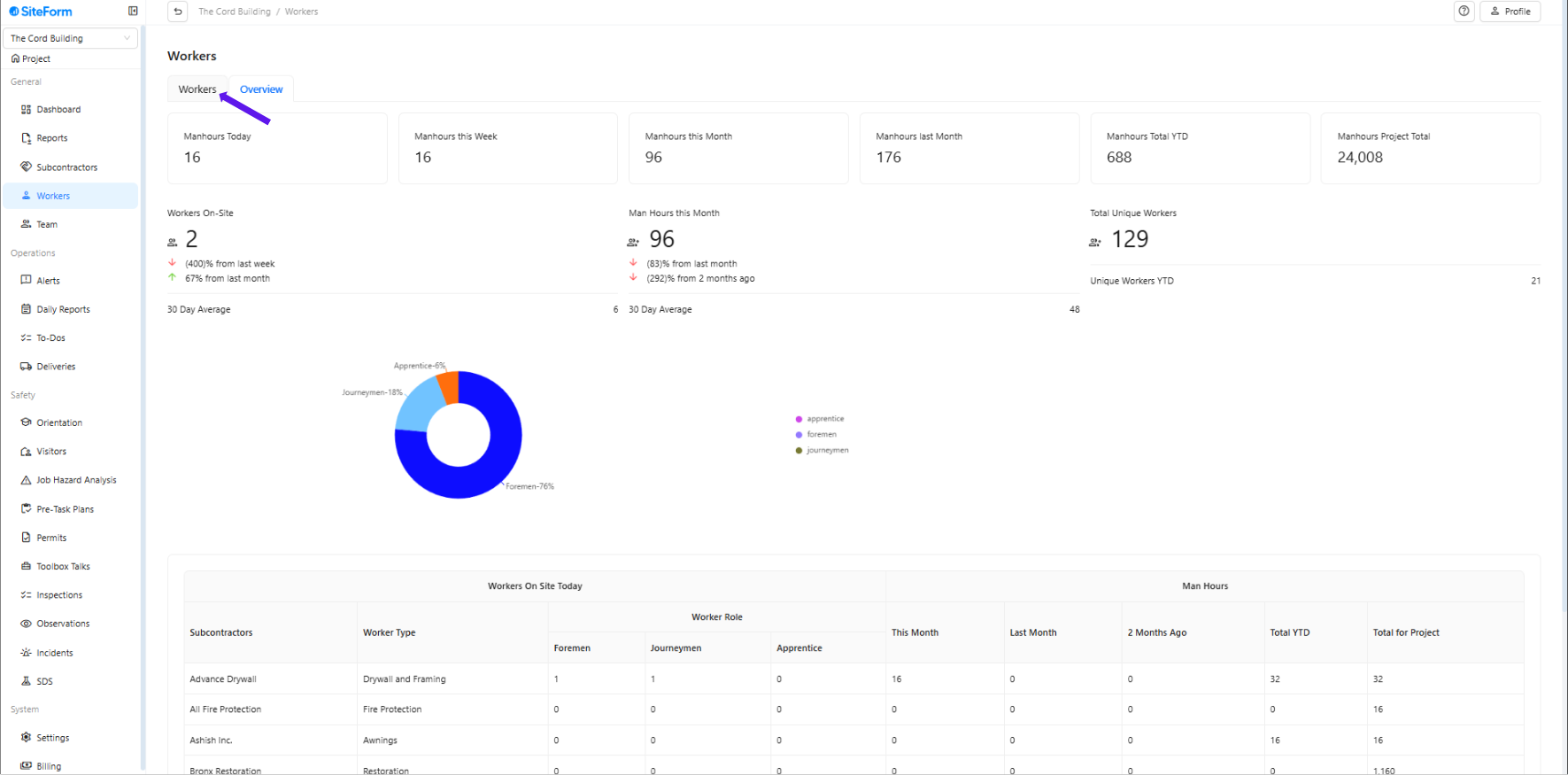
2. Make sure you are on the “Workers” tab
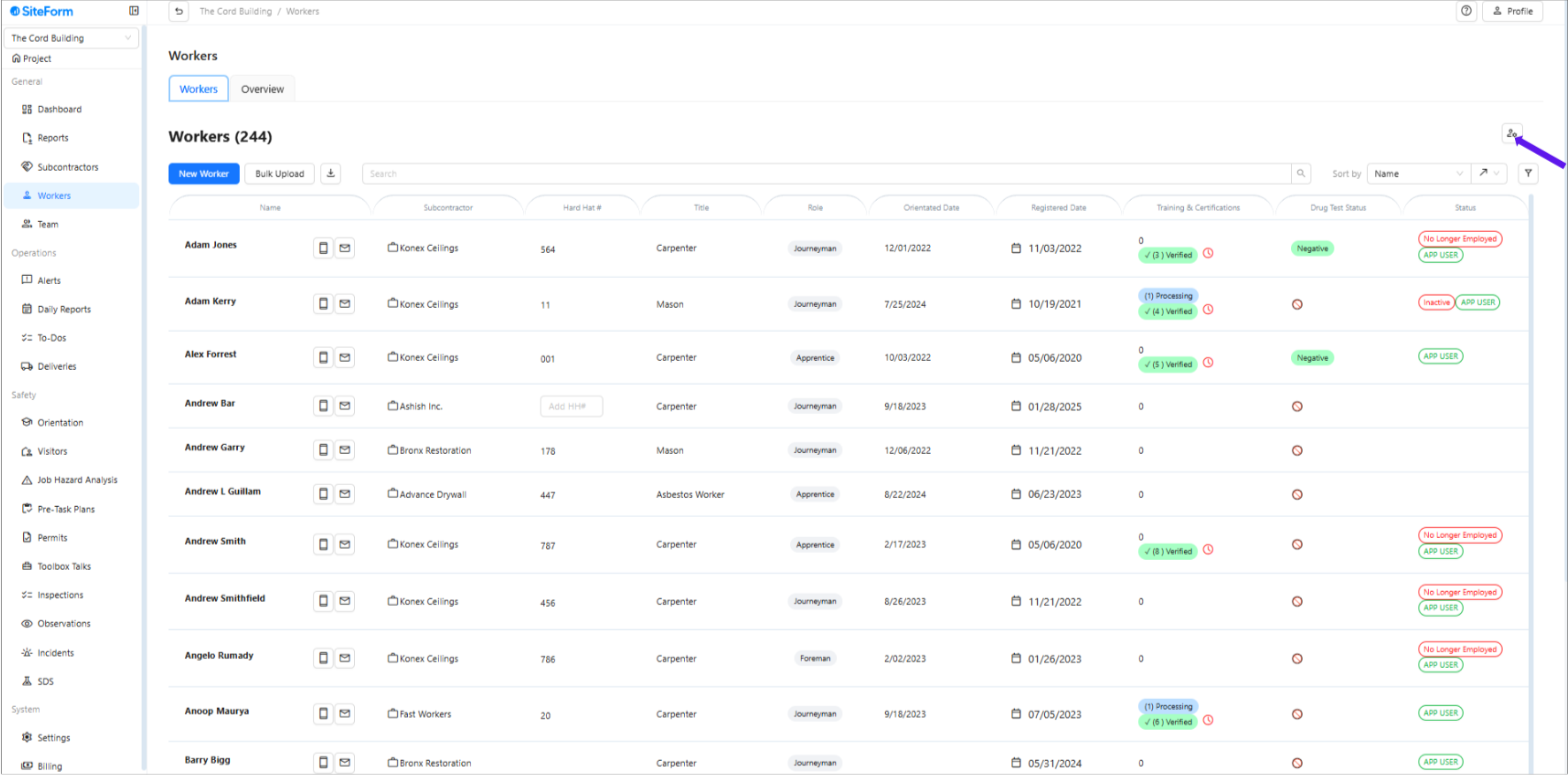
3. Click the icon with the person and wrench.
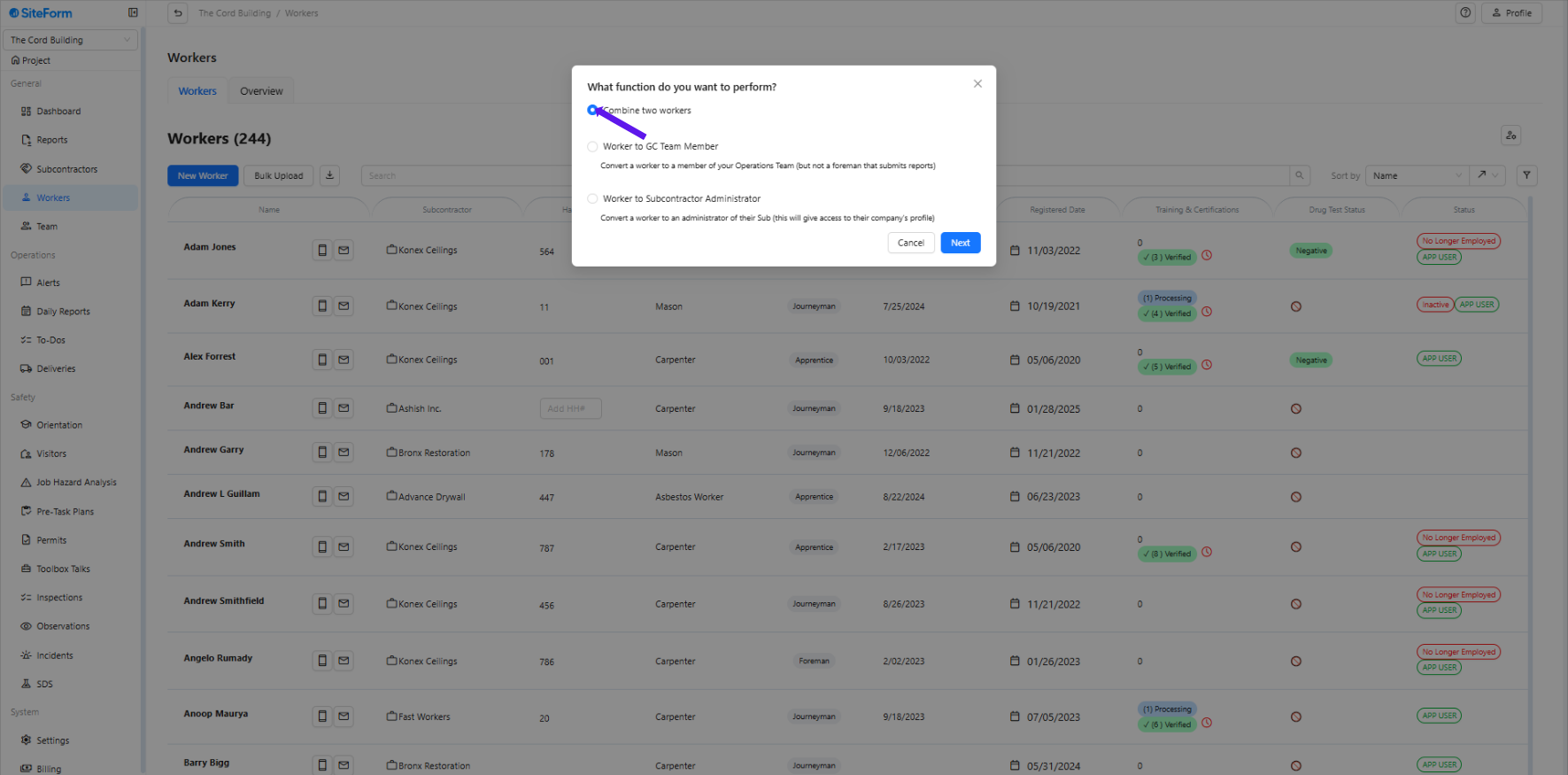
4. Select “Combine Two Workers”
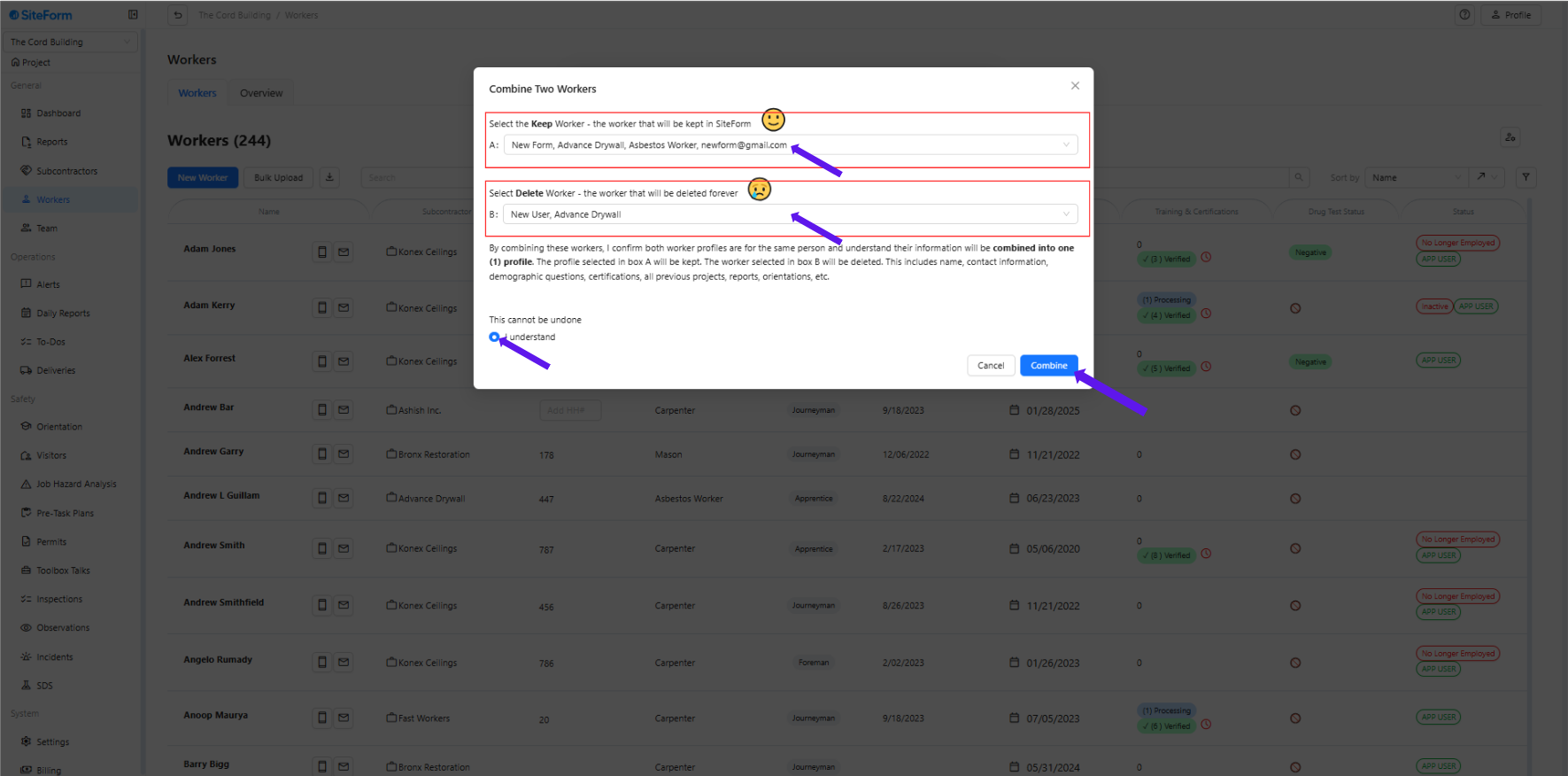
5. Match the profiles correctly
In Option A, select the correct worker profile that you want to keep.
In Option B, select the duplicate or incorrect profile that you want to delete.
Confirm by checking “I understand” and click Combine.
Was this article helpful?
That’s Great!
Thank you for your feedback
Sorry! We couldn't be helpful
Thank you for your feedback
Feedback sent
We appreciate your effort and will try to fix the article