Profiles – Updating Worker Information
The Profiles section allows you to view and update worker information in one centralized place. Keeping profiles accurate ensures records stay current, communication runs smoothly, and reporting remains reliable. From personal details to role-specific information, updates made here help support day-to-day operations and compliance across the organization.
Use this area to review existing details, make necessary changes, and ensure each worker’s profile reflects the most up-to-date information available.
Click "Workers" from the menu.
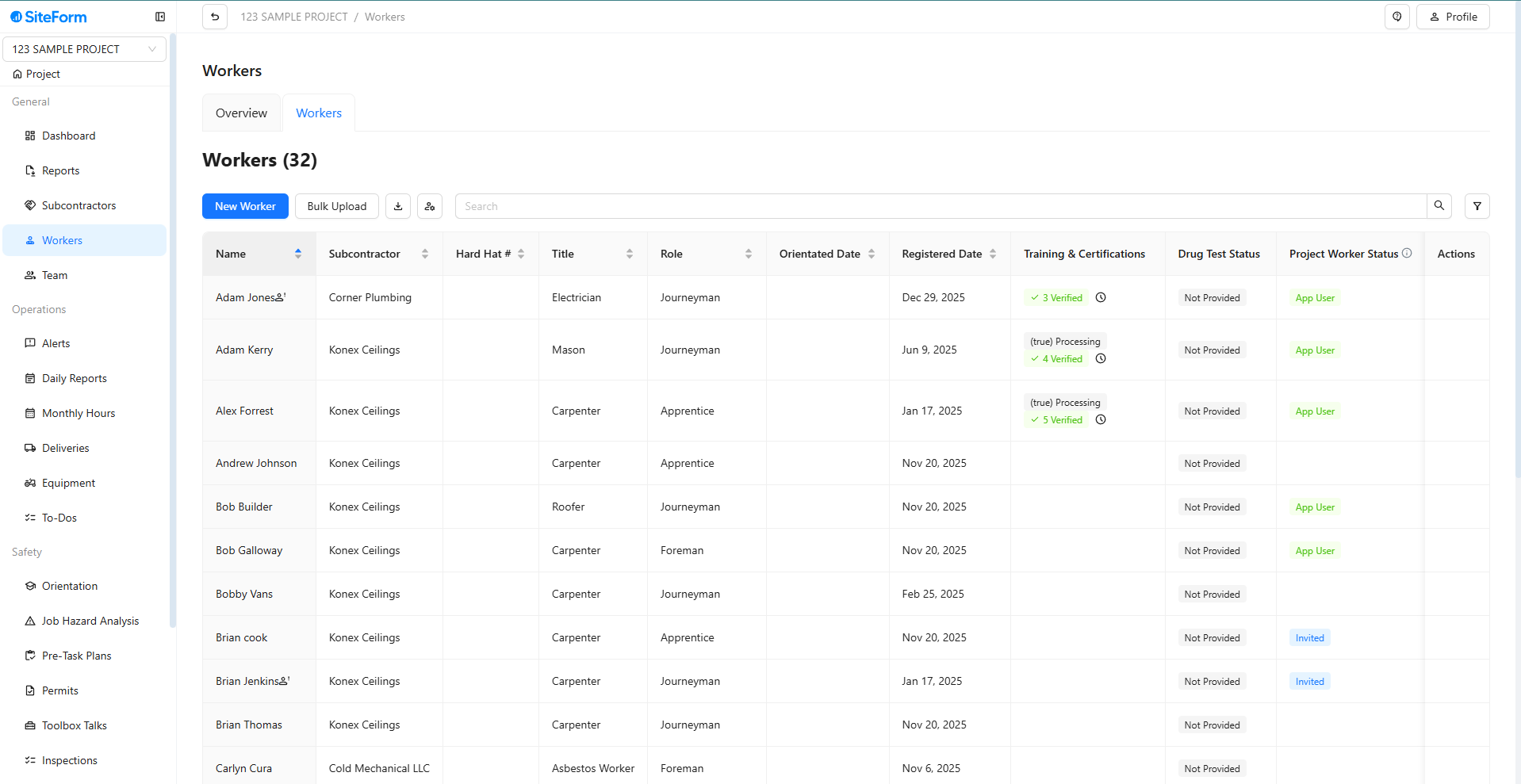
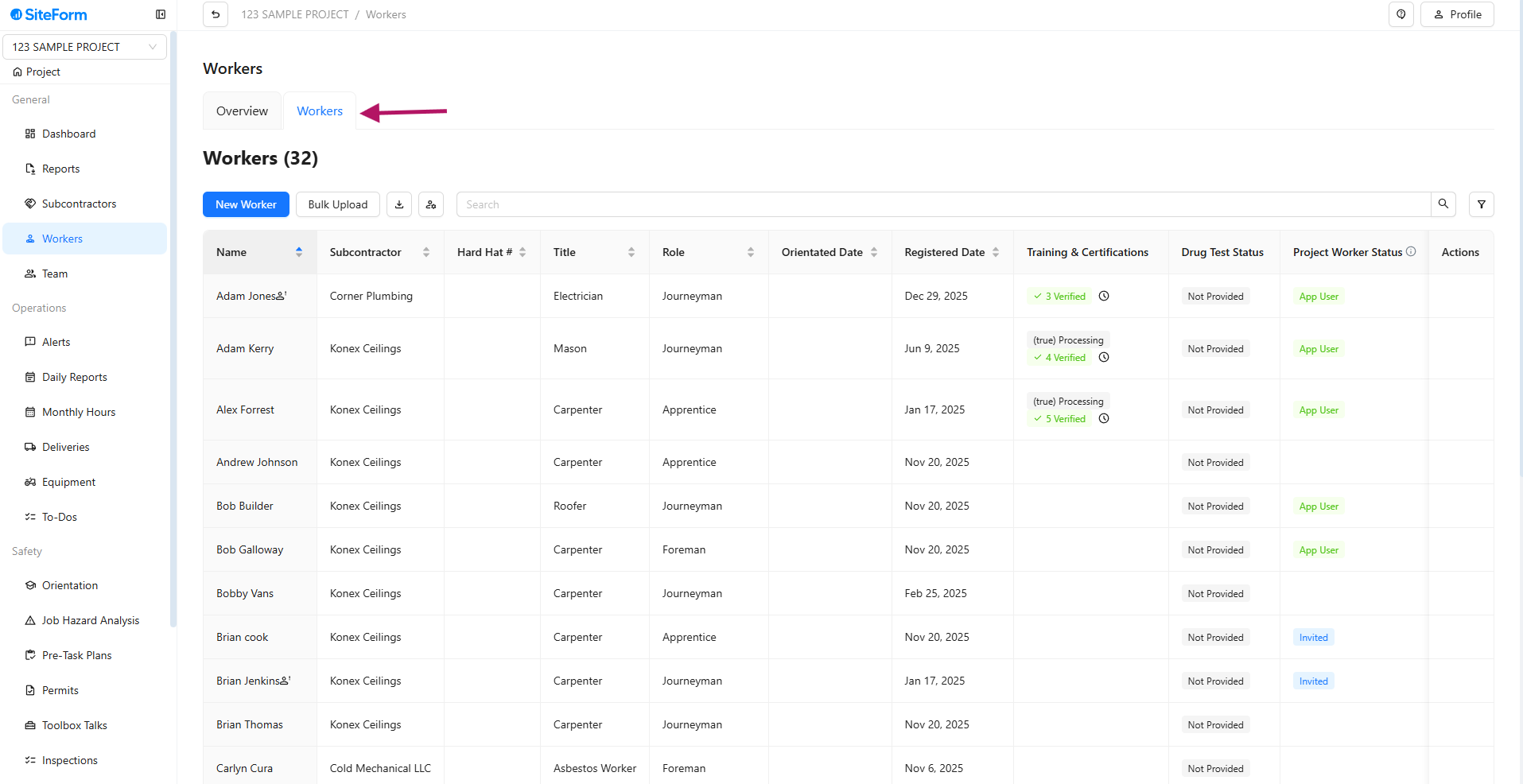
Ensure you are on the Workers page.
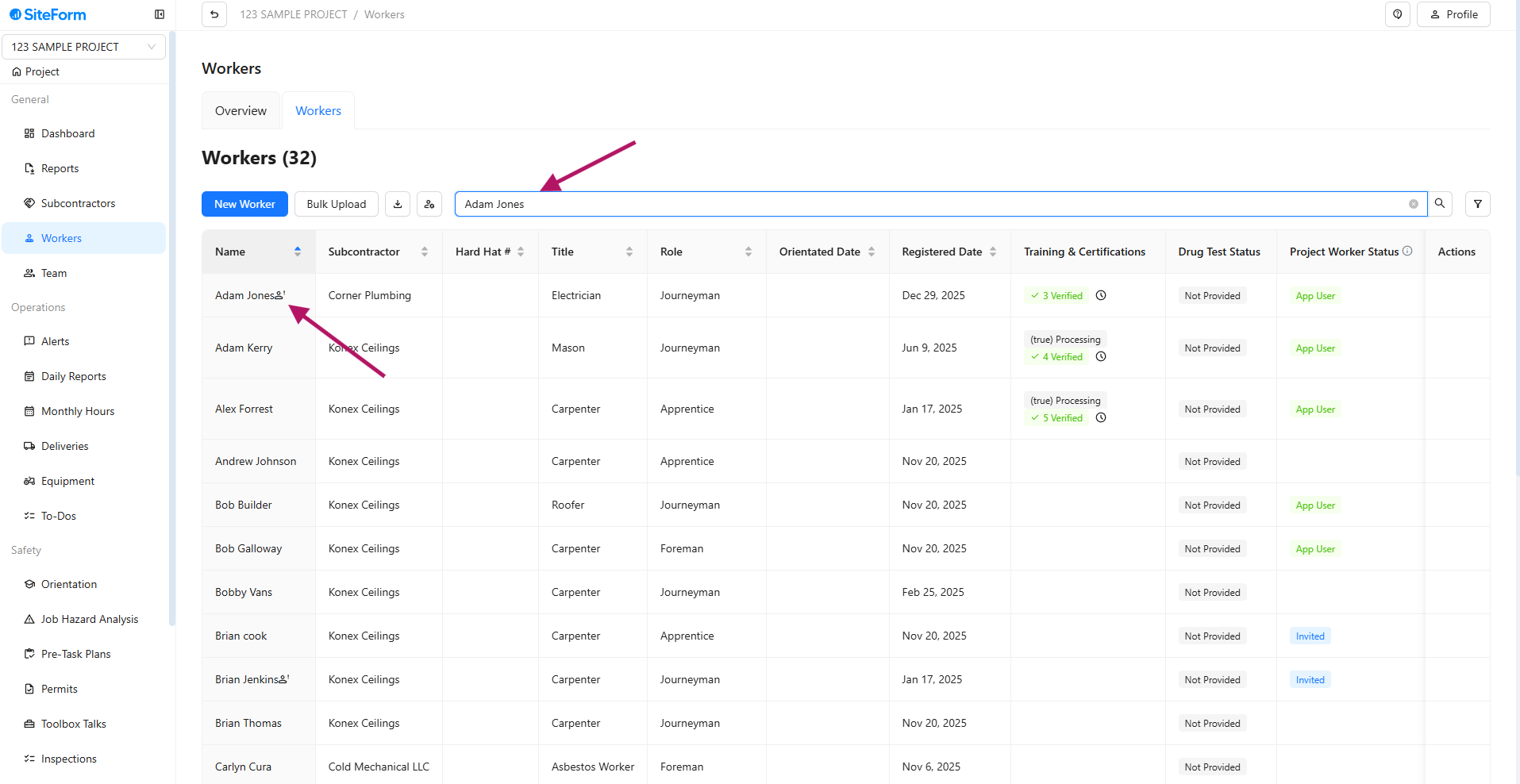
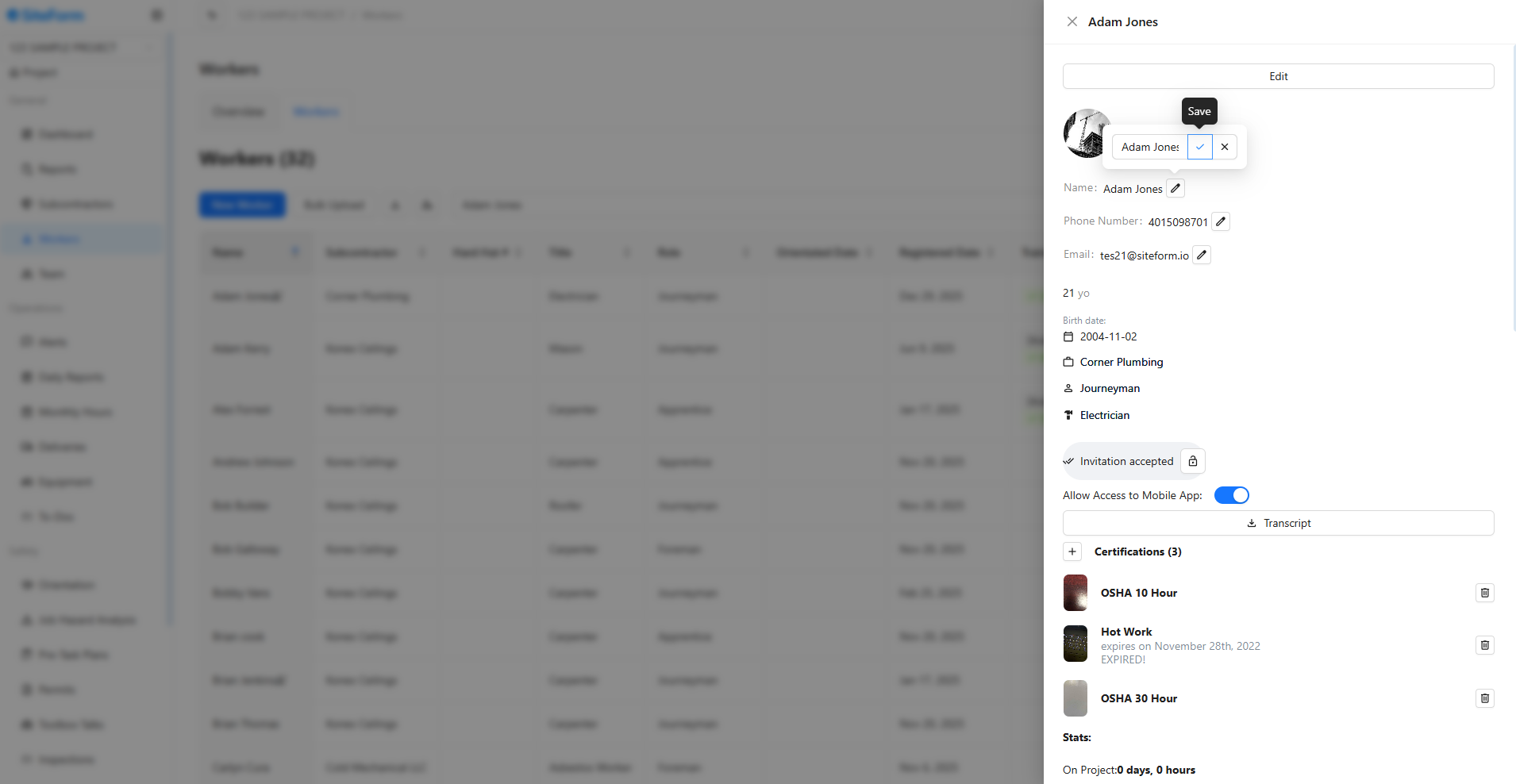
In the search box, type the name of the worker whose information you want to edit (e.g., Name, Mobile Number, Email, Birthday, Subcontractor Company, Worker’s Role, Worker’s Trade). Click on the worker's name. Their profile will appear on the right side.
Click "Edit" at the bottom of the profile photo.
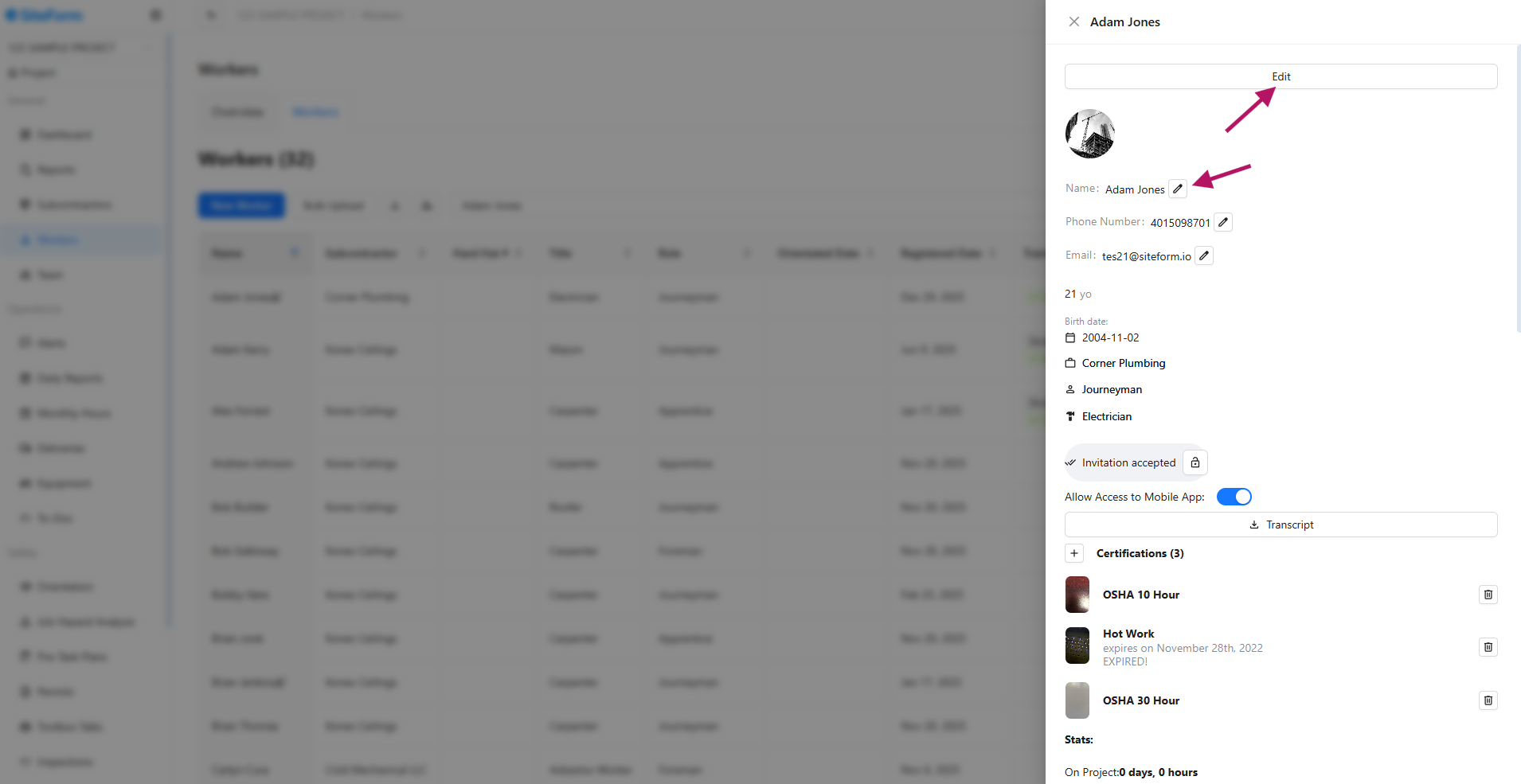
Update the necessary details and then click "Save."
Was this article helpful?
That’s Great!
Thank you for your feedback
Sorry! We couldn't be helpful
Thank you for your feedback
Feedback sent
We appreciate your effort and will try to fix the article