Here is an quick and easy way to turn off Weekly Email update
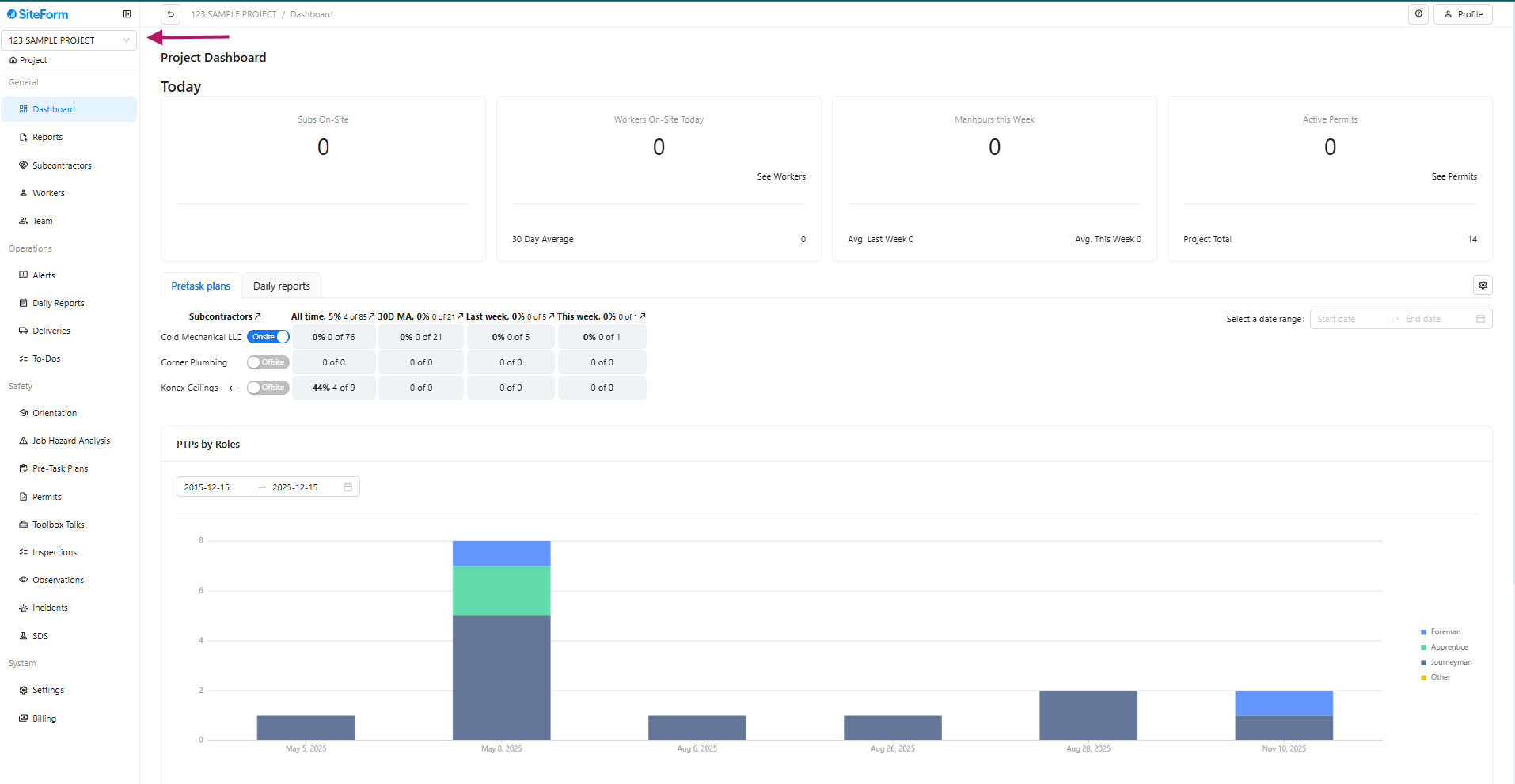
- Step 1: Select the Project at the top left corner of the page.
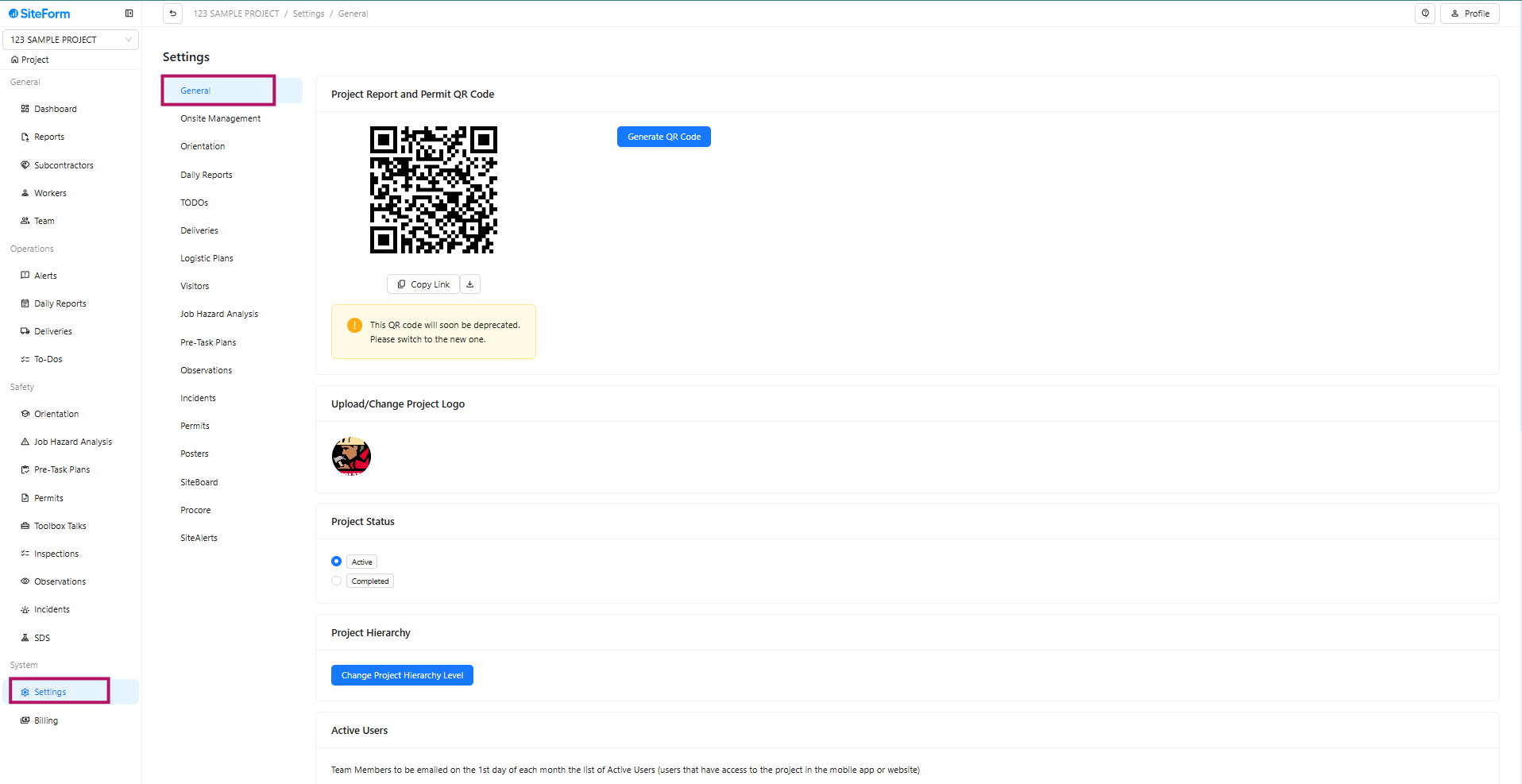
- Step 2: General should be selected by default after clicking on Settings.
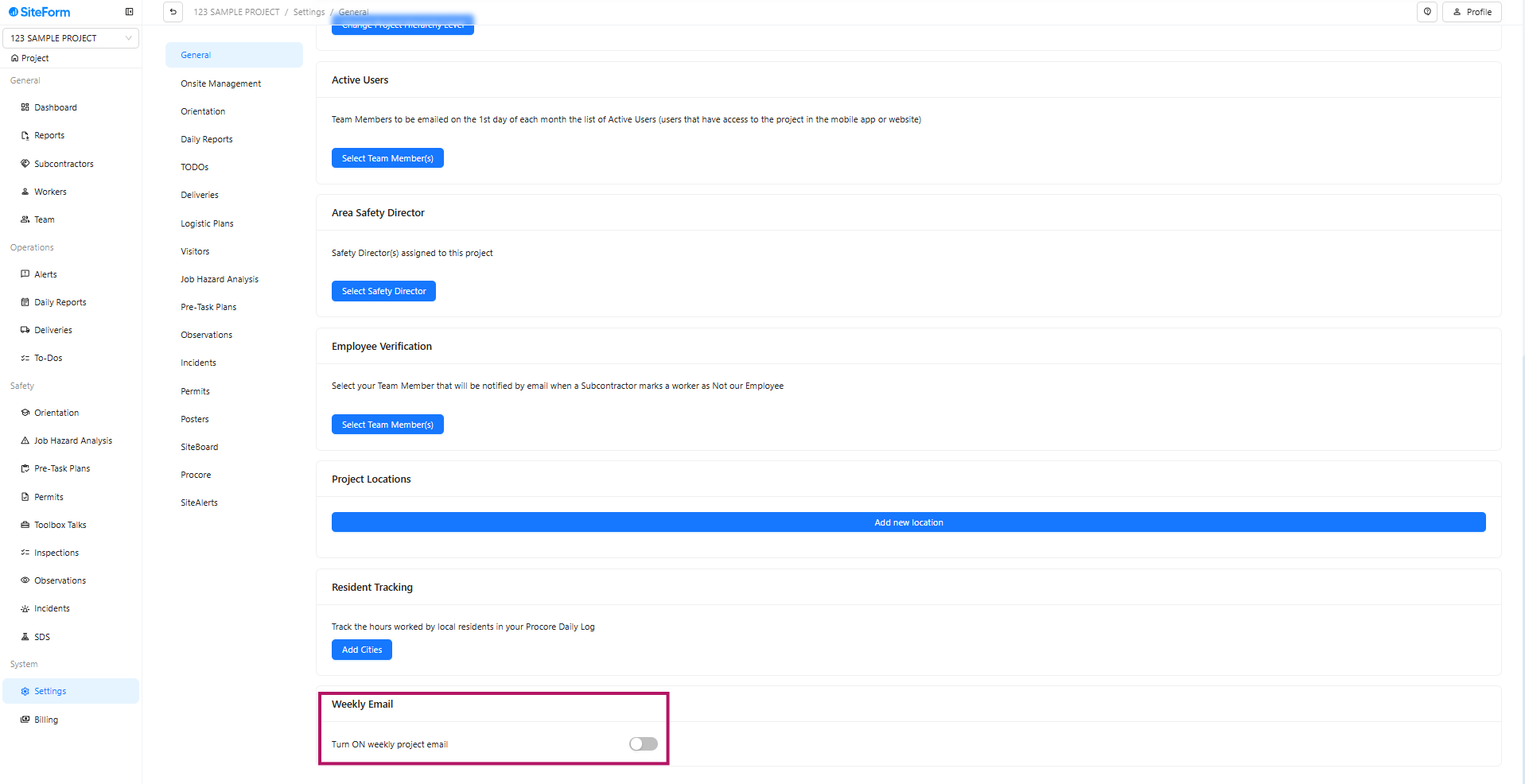
- Step 3: Under the General settings scroll all the way down and look for Weekly Email.
Was this article helpful?
That’s Great!
Thank you for your feedback
Sorry! We couldn't be helpful
Thank you for your feedback
Feedback sent
We appreciate your effort and will try to fix the article